Digital certificates employers can verify in seconds.
Upload your design and a spreadsheet. Every certificate gets a unique ID and QR code linked to your own record, is emailed to the recipient, and can be checked by anyone.
No card needed to start.
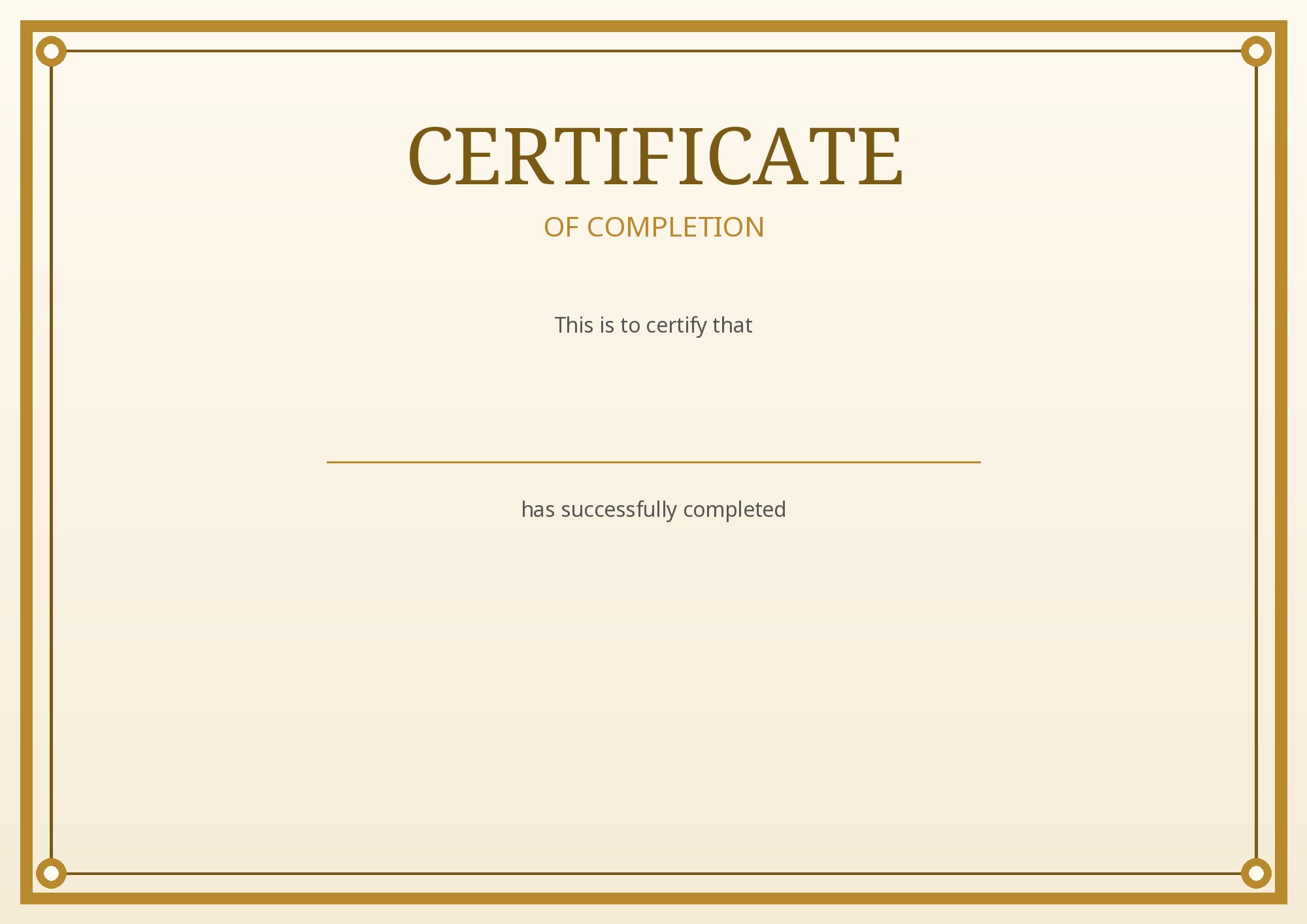
Employers see the result instantly. No account needed.
What you get
Spot fakes in seconds
Every certificate has a unique ID and a QR code that opens your live record, so an edited copy is caught by anyone who checks.
Issue a whole batch in minutes
Upload a spreadsheet. Every row is checked first, then every recipient gets their certificate by email.
Recipients can prove it
An "Add to LinkedIn" button, your badge and a verify link that keeps working long after the course ends.
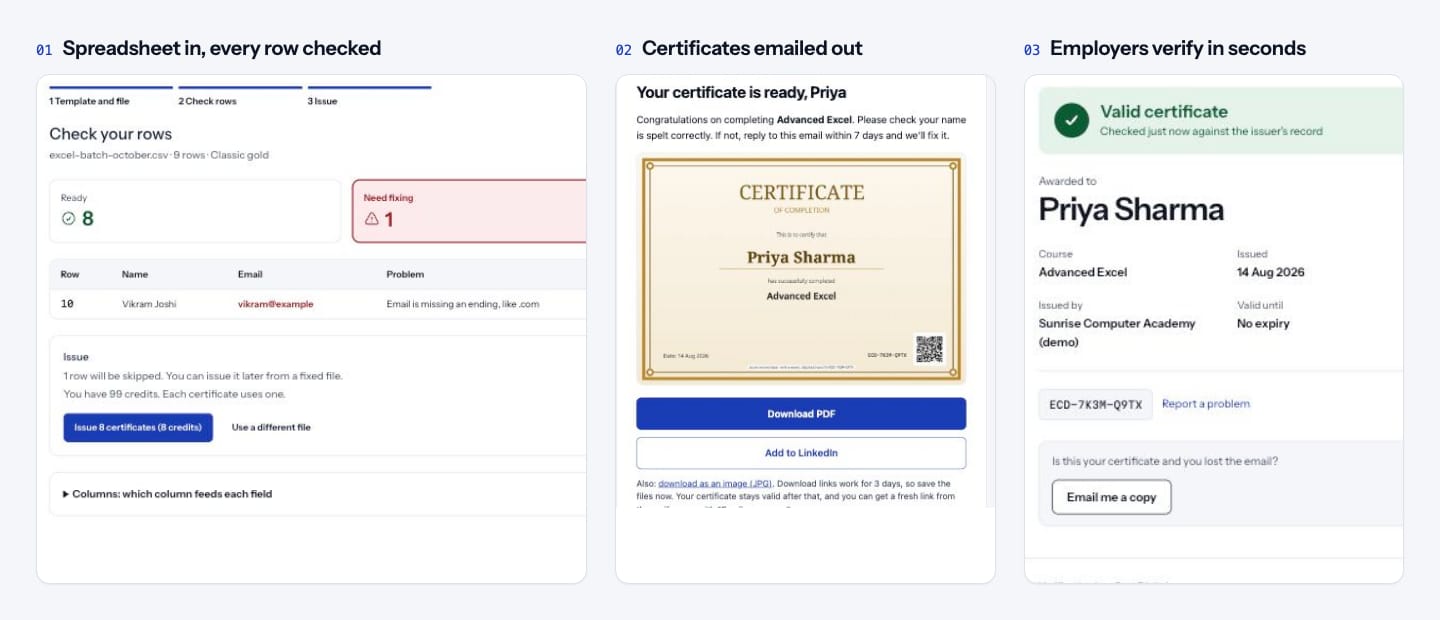
A bulk certificate generator in three steps
No design skills or software needed.
- 01
Add your design
Upload your own certificate or pick a template, then place the name, course, ID and QR code.
- 02
Upload your list
Import a spreadsheet of recipients. Mistakes are listed in plain words before anything is issued.
- 03
Issue and verify
Certificates are emailed to every recipient, and anyone can check them with a scan.
No. Recipients get an email with download links. Employers just scan the QR code or open the verify link.
Yes. Upload it as a JPG or PNG without names on it, then place the fields. Or pick one of our templates.
You do. Verify pages say "Issued by" and your organisation's name. eCert.Digital only hosts the record and the check.
Issue your first certificates today
Free for 100 certificates a year. Upgrade only when you need more.